
Send fee reminders
See every student with an outstanding balance, and remind their parents by the channels your school has switched on.
Remind everyone who owes
-
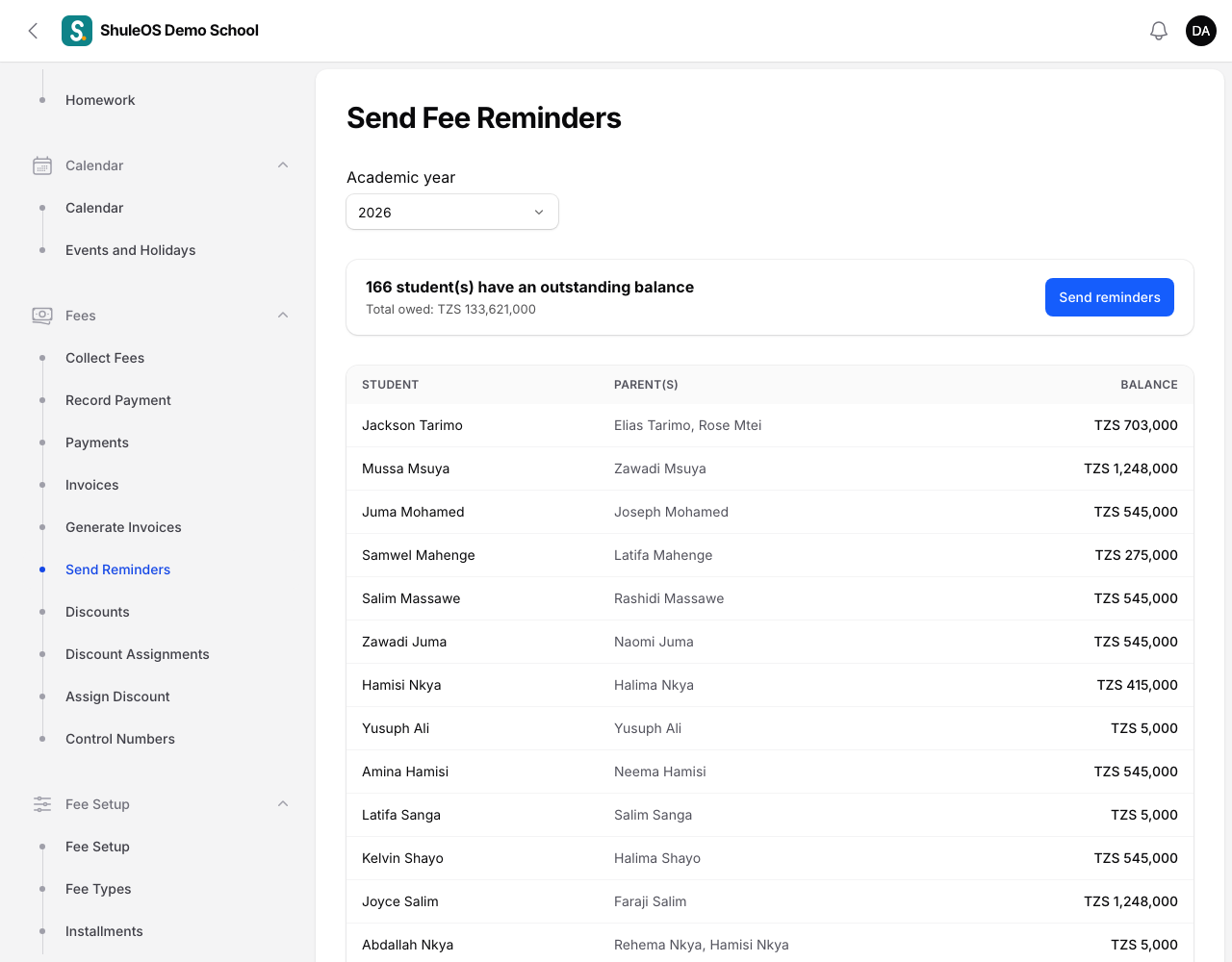
Open Fees → Send Reminders.
-
Choose the Academic year. You see "167 student(s) have an outstanding balance" and the Total owed, then a list of each Student, their Parent(s) and the Balance.
-
Click Send reminders. You see "Reminded 160 families" and "Reached 190 guardian(s)".
If nobody owes anything you see "No students have an outstanding balance for 2026", or "No outstanding balances to remind about".
Remind one student's parents
Open the student in Fees → Collect Fees and click Send fee reminder. It reminds that student's parent(s) of their current balance. If the student owes nothing you see "This student has no outstanding balance".
How the message is sent
A reminder uses the fee balance notice, set up under Account → Messaging (the What gets sent and What each notification says sections). Depending on what your school switched on there, it reaches parents by the bell in the parent portal, by SMS and by email, in the wording you set. Parents without a phone, email or login are not reached, which is why the count of guardians reached can be lower than the number of families.
If something goes wrong
| What you see | What it means |
|---|---|
| Reached 0 guardian(s) | No channel is switched on for the fee notice, or the parents have no contact details. |
| A parent says they got nothing | Check the parent's phone number and email on Students → Parents. |
| Reminders sent more than once | Each click sends again. Send once, then wait. |