
My invigilation
See which exams you supervise, when, in which room and with whom, and print your duty list.
Checked on the ShuleOS demo school
Who: Every teacher 2 min read
My Invigilation lists the exam papers the office has asked you to supervise.
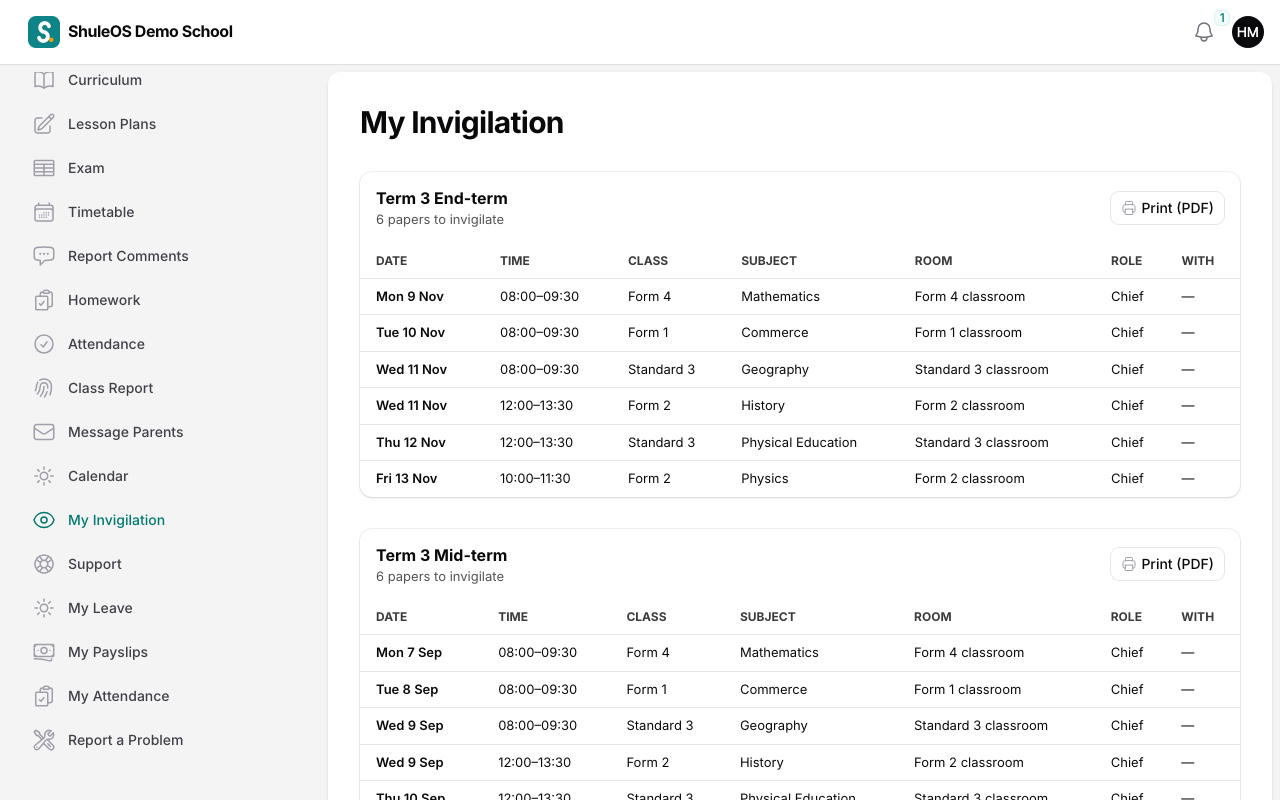
For each duty you see the Date, Time, Class, Subject, Room, your Role (for example Chief invigilator) and who you are With. Click Print (PDF) to print your list.
The office makes the roster, using Auto-assign invigilators in the exam timetable, so you do not enter anything here. If you have a clash or cannot attend, tell the office as early as you can, so that they can change it.
Your next duty is also shown on your dashboard.